
The household computer needs to handle a surprising mix of jobs. One evening it shows a recipe, the next it helps with homework, and at the weekend it sorts holiday photographs or a spreadsheet of expenses. A tablet and laptop can both cover parts of that routine. The right choice depends less on processor names than on the tasks that are difficult to finish on your phone.
Imagine a home where an old laptop takes too long to start. A lightweight tablet looks inviting for the sofa, but someone still needs to complete complicated forms and write long documents. That household should evaluate the whole week rather than the most appealing shopping demonstration. A touch screen is pleasant; a purchase that leaves essential work unfinished is not.
List the jobs that have consequences
Separate entertainment from must-complete tasks. Streaming, reading, short emails, and video calls are usually straightforward categories to evaluate on either device. School applications, specialized work software, tax documents, spreadsheet features, and printer compatibility need closer checking on the exact platform.
Open a typical complicated task on the device type you are considering, if a shop or borrowed device allows it. Can you upload a document, name the file, move between tabs, and download the completed form? The presence of an app with a familiar name does not prove it includes every feature from the desktop version.
Think about the longest recurring session. A ten-minute message is different from a two-hour writing project. The device that feels convenient in a hand may need a keyboard and stable surface for sustained work. Build that requirement into the decision from the beginning.
Where a tablet has the clearer advantage
A tablet suits situations in which holding, touching, or drawing on the display matters. Reading on the sofa, following a recipe across the kitchen, annotating a document, and sketching are examples. A detachable keyboard allows the device to change roles, though the keyboard’s layout and the case’s support deserve scrutiny.
The Apple iPad lineup is one place to compare supported keyboards and Pencil accessories. Accessory compatibility differs across models and generations. A stylus you already own may not work with the tablet you want, and a visually similar keyboard case may be designed for another size. Check the specific pairing rather than the brand alone.
For household use, also consider where the tablet will rest. A case with a stable viewing angle can make a recipe easier to follow. But no case turns a device into something appropriate beside steam or a messy chopping area. Keep electronics away from cooking hazards and choose placement before buying accessories.
Where a laptop earns its space
A laptop offers a fixed keyboard, a supported screen, and desktop software in one integrated arrangement. Those traits are helpful when documents, file management, spreadsheets, or browser workflows dominate the purchase. It is often the more direct starting point for someone replacing the only general-purpose computer in a home.
The MacBook Air product page provides a current example of that form factor. This is not a claim that one laptop family suits every household. Windows, macOS, and ChromeOS software requirements may decide the category before size or color enters the conversation. Check whether school or work requires a particular system.
A conventional clamshell also behaves differently on a lap from a tablet with a kickstand. If you often type from an armchair, test stability, keyboard position, and screen angle. A combination that works well on a showroom table may feel awkward with no flat surface behind the display.
Add the complete cost
Compare ready-to-use setups, not bare devices. A tablet may need a keyboard case, stylus, charger, and enough storage for offline media. A laptop may need a mouse or a port adapter. Add only the accessories required for your actual tasks, then compare the totals.
Storage upgrades deserve similar restraint. List what must stay on the device and what can be stored elsewhere. A streaming household has different needs from one carrying large video files on holiday. Cloud subscriptions can reduce local storage pressure, but they introduce recurring costs and dependence on an account and connection.
Refurbished options can be worth comparing when warranty, software support, battery condition, and return terms are clear. Do not select an old model solely because it used to be expensive. A device approaching the end of support may be a less useful household purchase than a modest current one.
Sharing changes the recommendation
Find out how user accounts, parental controls, and app purchases work on the chosen platform. A device shared by children and adults needs more than a passcode. Consider whose messages and photographs appear, whether files stay separate, and whether the required services allow multiple profiles.
Account design varies by operating system and device. Do not assume a tablet offers the same general user-switching arrangement as a laptop. If separate logins are central to household use, verify that behavior before paying. This is a functional requirement, not a feature to discover after everyone has signed in.
Also decide who gets the device when needs overlap. A tablet serving as the kitchen recipe display cannot simultaneously be the sole homework machine in another room. Sometimes the better purchase is the category that fills a missing role while an existing phone or computer continues covering the others.
A straightforward decision rule
Choose a tablet when reading, touch interaction, portable media, or drawing is the primary job and the essential apps are confirmed. Choose a laptop when sustained typing, desktop programs, multi-user household computing, or complicated file workflows are central. Choose neither yet if the present device can do the job after a repair or a simple accessory change.
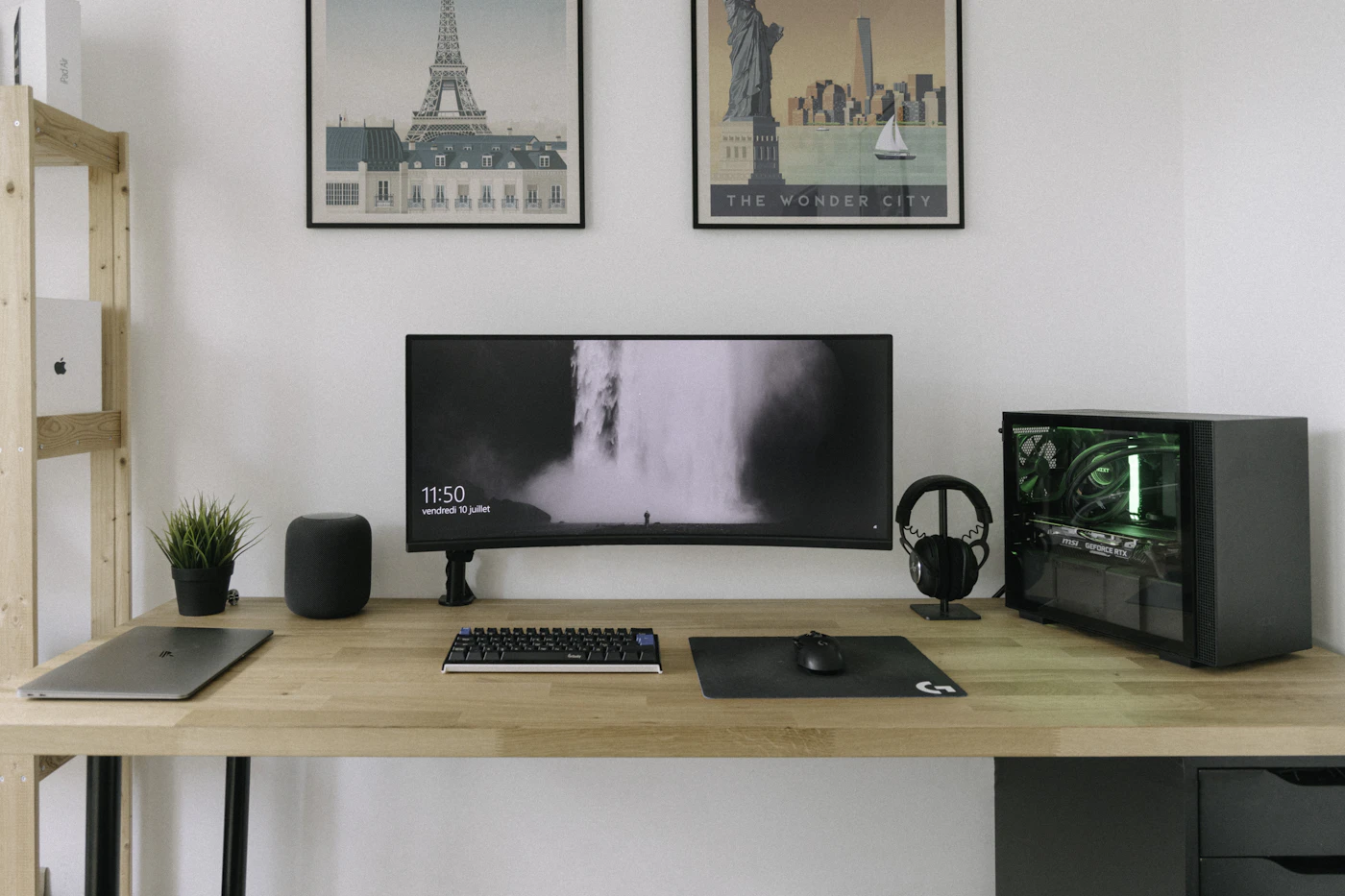
Before buying, check the exact model’s support, accessories, return policy, and current price through the manufacturer and retailer. For long reading sessions, compare an e-reader with a tablet. For a laptop that stays on a compact desk, our monitor guide helps plan a comfortable setup.
Sources & editorial notes
Manufacturer information checked on October 4, 2026. Features can vary by model and country. Confirm the exact version before purchasing. Lifestyle photos illustrate the setting; they do not document product testing.
Read our editorial policy