
You sit down to work and connect a charger, monitor, mouse, external drive, and perhaps an Ethernet cable. By Friday, the desk looks less like a workspace and more like a collection of loose adapters. A hub or dock can simplify that routine, but the two product names do not define precise capabilities. Buying by the port count alone is a reliable way to miss something important.
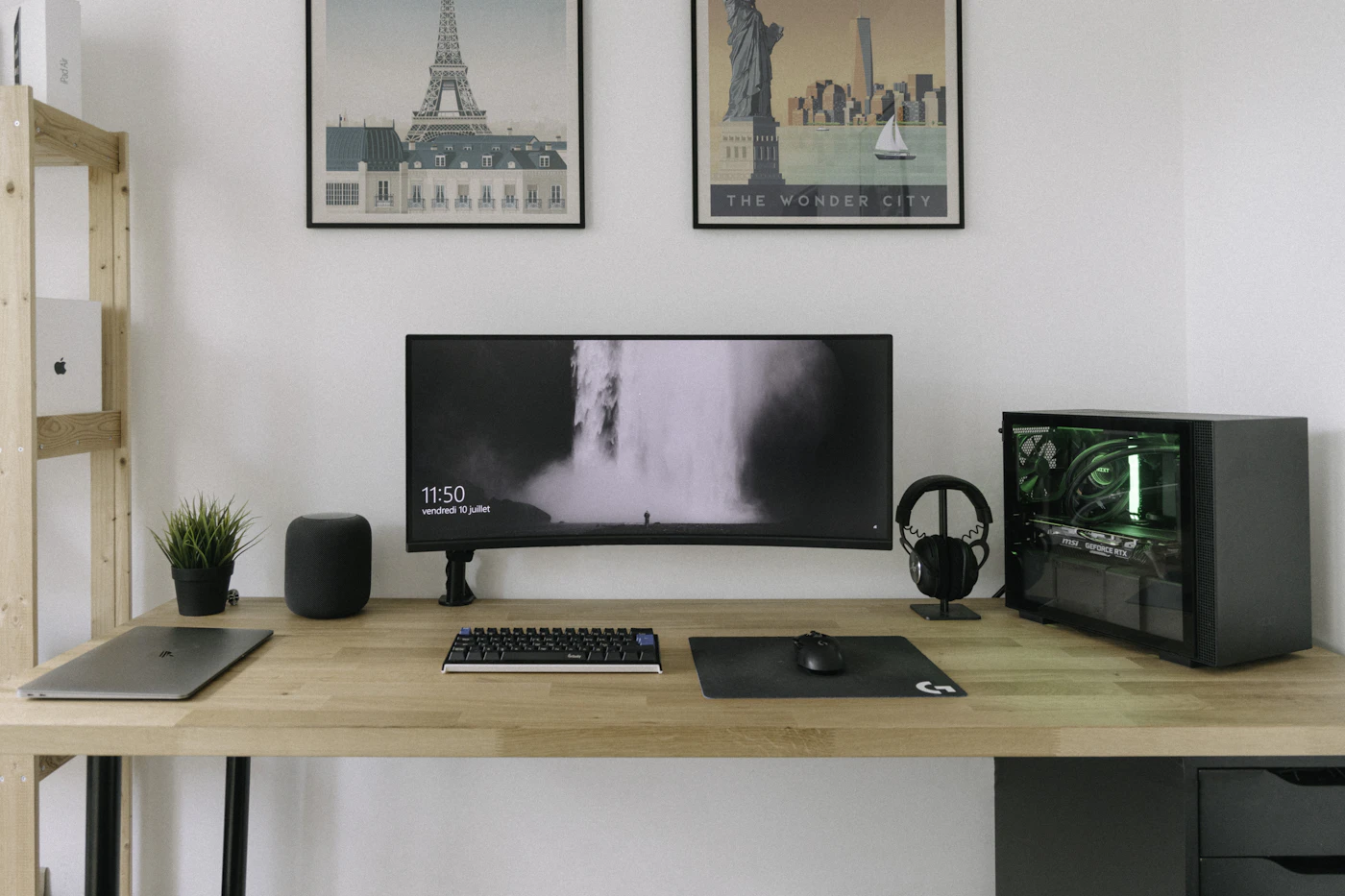
Imagine a laptop that travels to an office twice a week and spends the remaining days on a compact home desk. It needs one external display and occasional access to a camera card. A portable hub may cover that job. Now imagine a desk with multiple displays, fixed Ethernet, audio equipment, and a large storage drive. A powered dock deserves a closer look.
Start with your computer, not the accessory
Find the specification for the exact laptop and port you intend to use. USB-C describes a connector shape; that socket can support different data rates, charging abilities, and display capabilities. Thunderbolt and USB4 markings can help, but the manufacturer’s documentation remains the place to check supported functions.
List the monitor resolution, refresh rate, and number of independent displays you want. The computer’s graphics and operating system impose limits that a dock may not remove. Two monitor sockets are not proof that your particular laptop will run two extended desktops. Some combinations support mirroring instead, and others need special software.
Employer-managed laptops add another constraint. A dock requiring drivers or background software may need IT approval. Before buying it for home work, confirm whether installation is permitted and whether the company already supports a particular connection method.
The portable hub approach
Compact hubs usually earn their place through convenience and portability. They offer selected ports in a small enclosure, often with a short attached cable. This suits presentations, travel, and a desk that must disappear from the dining table before dinner. Count which ports you need repeatedly rather than collecting every possible connector.
The Belkin USB-C 7-in-1 Multiport Hub, AVC009 V2 illustrates this approach. Belkin lists HDMI, USB-A connections, card readers, audio, and a USB-C power connection, and specifies a video-enabled host USB-C port. Check the revision carefully: similarly named accessories can have different display specifications.
Pass-through charging means the hub routes power from a compatible charger; it does not mean a charger is necessarily included. The amount reaching the laptop may be below the adapter’s rating because the hub itself uses power. Look for the actual host power-delivery specification and price any required adapter into the purchase.
The powered dock approach
A desk dock typically has its own power supply and enough room for cables to stay connected. Its practical attraction is the daily ritual: connect one host cable and return to an already assembled workstation. The separate brick and larger enclosure matter less when neither leaves the desk.
The Kensington SD5700T support page lists Thunderbolt connectivity and 90W power delivery. Its display claims still need to be read alongside your computer’s supported display count. A premium dock can be useful, but its technology and price are wasted if the laptop cannot use the functions that distinguish it.
Examine port placement. A front USB socket makes occasional card readers easy to connect, while rear sockets keep permanent cables out of the way. Consider whether the dock’s host cable reaches the laptop without crossing the keyboard or dangling from a high shelf.
Where the hidden trade-offs appear
Several connected devices may share bandwidth. Copying large files while using a display is different from plugging in a mouse and keyboard. Manufacturers’ connection diagrams and compatibility notes are more informative than a photograph of every port filled at once.
Sleep and waking behavior also deserve attention during the return window. Check whether the external display reconnects, audio remains selected, and peripherals work after unplugging and reconnecting. These are observations to make with your equipment, not performance we claim to have tested for the products here.
If the dock lacks the exact display connector you need, include suitable cables or adapters in the comparison. A costly dock with several downstream Thunderbolt sockets can still require additional accessories before an HDMI monitor is connected. Check what arrives in the box.
Compare the total setup
| Daily situation | Better starting point | Main check before buying |
|---|---|---|
| One display and occasional peripherals | Portable USB-C hub | Host video support and actual display mode |
| A desk with permanently connected equipment | Powered dock | Host technology and laptop charging power |
| Regular presentations away from home | Small hub | Venue display connector and cable reach |
| Two independent external displays | Compatible dock or hub | Exact laptop and operating-system support |
Measure the space for the accessory and its power brick. Add the price of missing cables, adapters, and a charger. A hub becomes less economical when it needs several extras; a dock becomes less sensible when half its ports remain unused.
Our buying advice
Choose the portable hub when a compact, removable setup covers the actual connections. Choose a powered dock when leaving cables in place reduces a daily annoyance and its capabilities match the computer. Keep a screenshot or copy of the compatibility documentation with the receipt, and verify the full setup while returns remain straightforward.
For the screen itself, see choosing a monitor for a small desk. If your desk still gets untidy, our cable management guide starts with routing and labeling before recommending more accessories.
EXPLORE THE OPTIONS
Products worth a closer look
Compare the current specifications, local availability, and returns policy before deciding.
Belkin USB-C 7-in-1 Multiport Hub (AVC009 V2)
Best fit: One-display workspaces with occasional accessories; Laptop users who need camera card access.
Why consider it: Combines several useful connections in a portable accessory; Card slots reduce the need for a separate reader.
The tradeoff: Laptop video and power compatibility still need verification; Pass-through charging needs an appropriate power supply; Older AVC009 revisions may have different specifications.
Sources & editorial notes
Manufacturer information checked on October 4, 2026. Features can vary by model and country. Confirm the exact version before purchasing. Lifestyle photos illustrate the setting; they do not document product testing.
Read our editorial policy