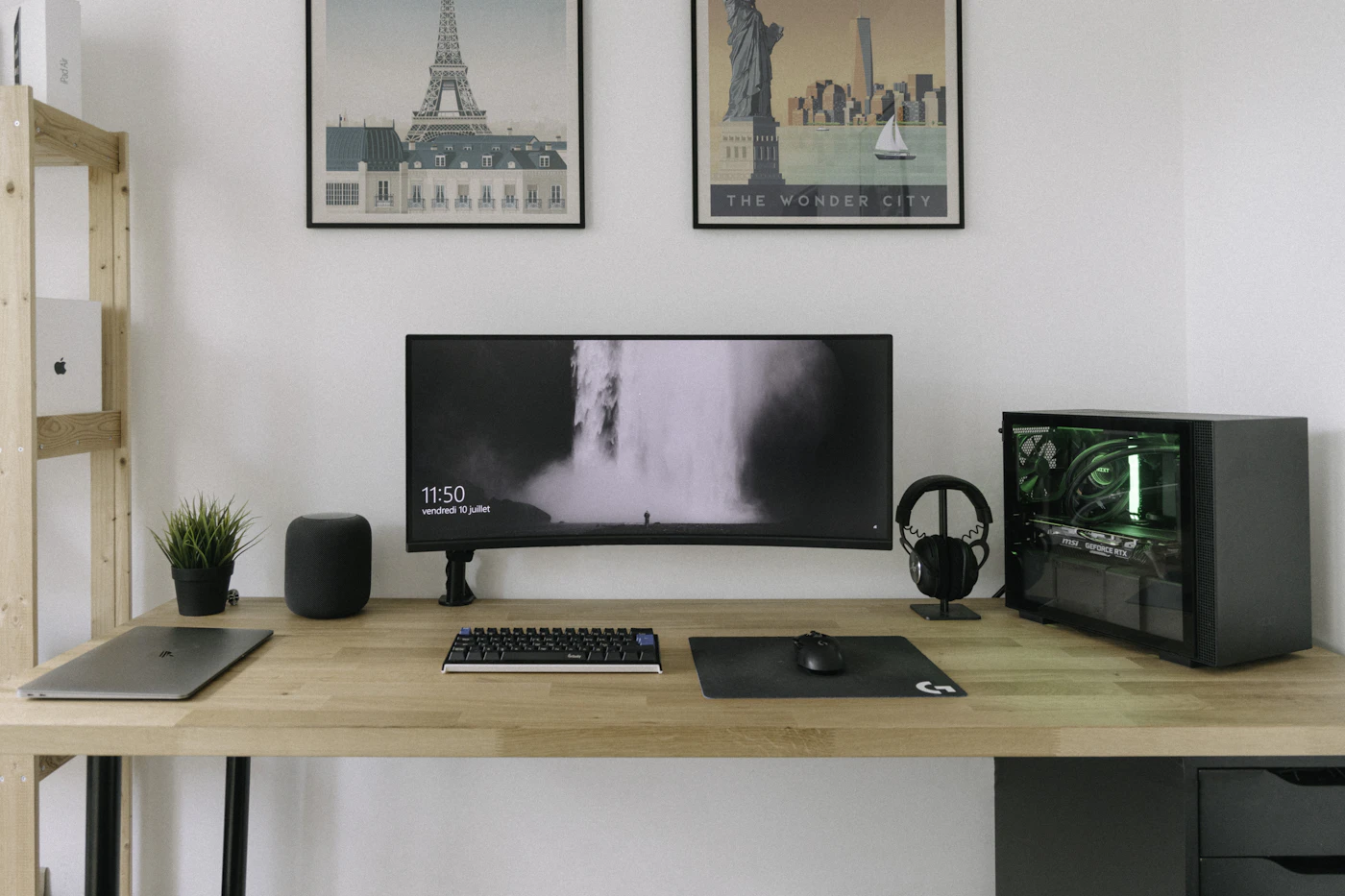

A keyboard can make long writing sessions more pleasant, yet its sound becomes part of the room for everyone else. In a shared bedroom, living room, or small home office, buying a mechanical keyboard is a household decision as well as a personal preference. The right board needs to suit your fingers and the people who hear it.
Imagine two partners working at adjacent desks. One spends the morning writing reports; the other makes video calls. A crisp audible click may delight the typist and distract the caller. Neither person is wrong. The useful purchase starts with the room’s requirements rather than a claim that mechanical switches are automatically better.
Understand feel and sound separately
Mechanical switch names describe different characteristics, but there is no universal naming system across brands. A tactile switch provides a change in resistance during the press. A clicky design adds an intentional sound. A linear switch aims for a smoother movement without that tactile bump. The housing, keycaps, desk surface, and typing force also affect what you hear.
Do not assume that a switch labeled quiet is silent. Bottoming out the key can still produce noise, and a hollow desk can amplify it. Manufacturer sound samples help compare variants under their recording conditions, but they do not replicate your room or microphone. When possible, try the exact switch variant in person.
The Logitech MX Mechanical Mini offers named switch variants that make this distinction visible. Logitech’s launch information describes low-profile switches, including Tactile Quiet, with availability varying by market. Check the selected variant and regional layout before adding it to a basket.
Decide which keys you can give up
A compact board leaves more room for a mouse and can fit a small desk. It may also remove the number pad or change the arrangement of navigation keys. If you enter figures every day, a full-size board or separate number pad could be more useful than a fashionable compact layout.
Look at a photograph of the exact keyboard layout. Find Delete, Home, End, the arrow keys, and any shortcuts you use repeatedly. Some layouts put functions behind a key combination. That might be acceptable for occasional use and annoying during repetitive editing. Smaller should mean better for your task, not simply fewer keys.
Regional layout matters too. Key shapes, punctuation placement, and printed legends differ. An imported keyboard may be usable but require adjustment. Confirm whether the retailer’s image represents the unit being shipped, particularly when several language options share one product page.
Height and support affect daily comfort
Mechanical keyboards vary substantially in height. A low-profile board may feel closer to a laptop keyboard; a taller board may need a different hand position. A wrist rest changes the setup and takes desk depth. Try a neutral, comfortable position instead of assuming raised feet are always desirable.
Measure the whole keyboard area, including any palm support. If the desk is shallow, pushing the board forward to make space for a monitor stand can leave your arms unsupported. The keyboard decision may reveal that monitor placement needs to change first.
A desk mat can reduce some contact noise and keep accessories from sliding, but it is not a guarantee of a quiet room. It also changes how the mouse feels and may collect crumbs or dust. Choose one because it supports the workspace, not as a substitute for selecting a suitable switch.
Check connections and software
Bluetooth suits devices without spare USB ports, while a compatible receiver can simplify another setup. Confirm whether a receiver is included and whether it supports the specific keyboard. Wireless products from the same brand do not necessarily share one receiver system.
Extra key customization may depend on software. An employer-managed computer might allow ordinary typing but restrict installation of the manufacturer’s application. Decide which features matter without that software, and verify operating-system support for anything you plan to configure.
Also check charging or battery requirements. A charging connector is not proof that the keyboard can type over a wired connection. If you need a wired fallback for a particular computer, look for explicit support. For wireless use, keep a practical replenishment routine rather than chasing the largest advertised battery-life claim.
Consider the non-mechanical option
A good non-mechanical keyboard may be the better shared-room purchase. If quiet operation, low height, and familiar key feel matter more than switch feedback, compare it alongside the mechanical shortlist. You do not need to justify the purchase by adopting enthusiast preferences.
Hot-swappable switches, elaborate lighting, and custom keycaps are useful for certain hobbies, but they add choices that many household buyers do not need. If you expect to modify the board, confirm compatibility. If you only want to type comfortably, favor a setup that works well without additional projects.
Buy for the room you have
Agree on acceptable noise before ordering. Check the exact variant, layout, return policy, included receiver, and software requirements. During the return window, type normally while another person works nearby, and record a short call to see what your microphone picks up. That is your household compatibility check, not a test result we claim for the product.
Choose mechanical when its feel is valuable and its sound fits the room. Choose a quieter conventional board when shared use is the main constraint. For a matching pointing device, read our wireless mouse guide. For a compact workstation, see monitor selection for small desks.
EXPLORE THE OPTIONS
Products worth a closer look
Compare the current specifications, local availability, and returns policy before deciding.
Logitech MX Mechanical Mini
Best fit: Compact writing desks; Buyers who prefer low-profile mechanical key feel.
Why consider it: Smaller layout leaves additional desk space; Switch choice allows a more deliberate feel and sound comparison.
The tradeoff: Compact layout omits a full-size number pad; Quiet labeling does not mean silent typing; Exact language layout and switch must be checked.
Sources & editorial notes
Manufacturer information checked on October 4, 2026. Features can vary by model and country. Confirm the exact version before purchasing. Lifestyle photos illustrate the setting; they do not document product testing.
Read our editorial policy