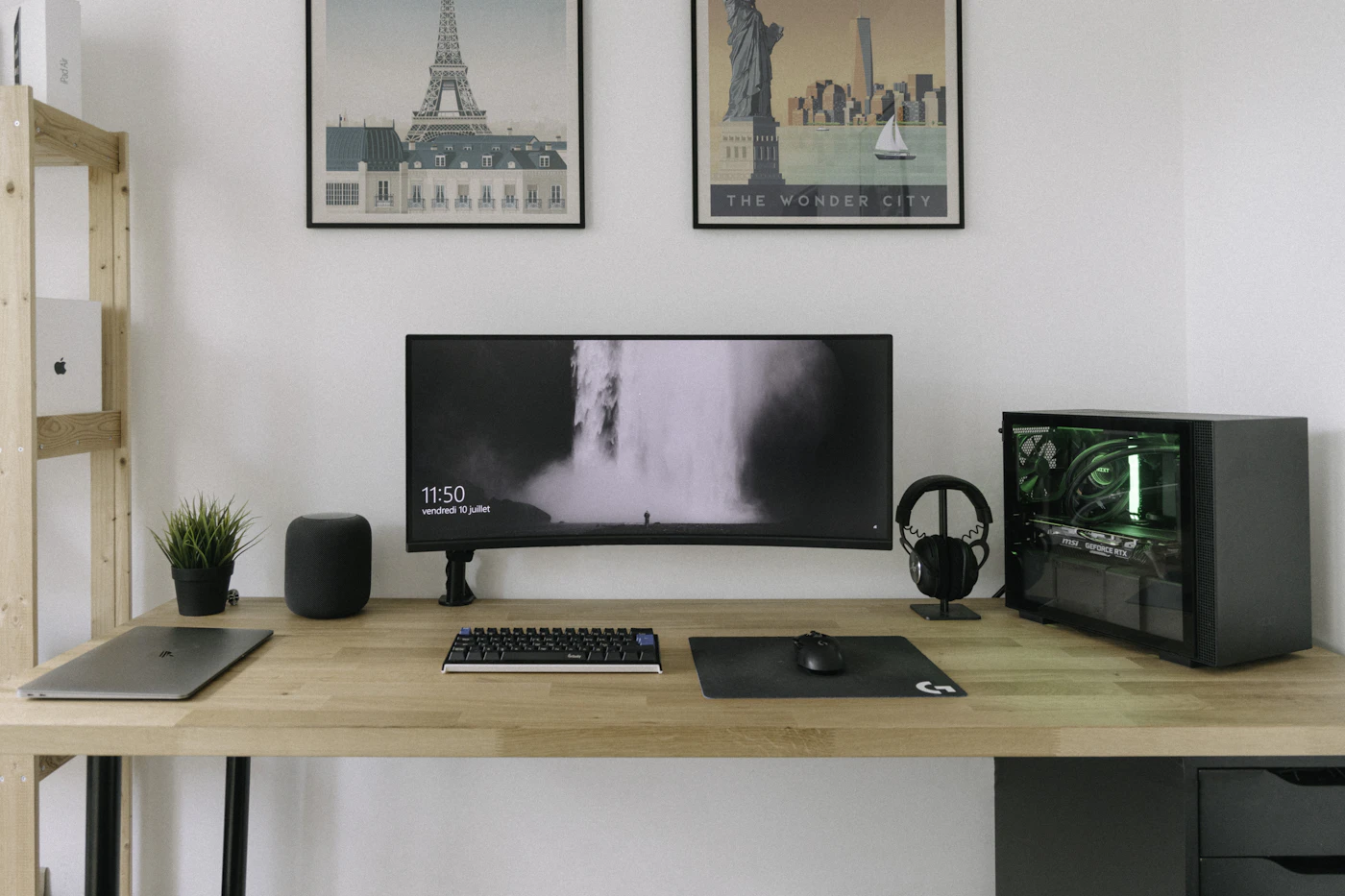

A mouse often receives less attention than the laptop it controls, even though you touch it throughout the day. A shape that feels awkward, a loud click in a quiet room, or a receiver that occupies your only useful port can become a repeated annoyance. Buying well means looking beyond the sensor number and matching the mouse to your actual work.
Picture a person who moves between a home desk and a coworking table. They edit documents, browse long pages, and work on occasional spreadsheets. A compact mouse sounds practical, but they also spend several hours at the permanent desk. Portability and comfortable support need to be weighed together, rather than treating the smallest model as the obvious winner.
Start with shape and hand position
Hand size is relevant, but grip style matters too. Some people rest much of the hand on the mouse; others guide it primarily with fingers. A small travel mouse can be convenient in a bag and less satisfying for someone who wants full palm support. Product dimensions are a starting point, not a substitute for trying the shape.
If possible, handle the mouse for more than a few seconds. Reach the wheel, side buttons, and main click areas while keeping your hand relaxed. Check whether the thumb buttons sit where you naturally reach or where you must shift the whole hand. Extra buttons have little value when using them feels awkward.
Vertical and other ergonomic shapes deserve individual evaluation. They change wrist and arm position but are not a universal solution or a medical treatment. If discomfort persists, the desk, posture, workload, and input habits may all need attention. Choose a return policy that gives you room to assess a new shape responsibly.
Bluetooth or a USB receiver?
Bluetooth avoids occupying a USB port and can suit a slim laptop. A receiver provides a separate connection option, but its size, connector type, and compatibility matter. Check whether it is included; a product photograph showing a receiver does not always mean one arrives with every variant.
The Logitech MX Anywhere 3S listing is one compact option to compare. Logitech describes quiet clicks and its scrolling system. The compatibility information notes that the consumer model supports Logi Bolt with the receiver sold separately and does not support other Logitech receiver families. That distinction can affect the total price and desk setup.
Confirm support for the computers you use, including the operating system. Pairing with a device and gaining every customization feature are different things. If software installation is restricted at work, evaluate the useful functions available without the optional application.
Scroll behavior can matter more than sensor resolution
Long documents and spreadsheets place different demands on scrolling. A wheel with distinct steps helps when moving carefully through lines. A faster scrolling mode can make long pages easier to navigate. Side scrolling or a horizontal wheel may be useful for wide worksheets, but is less important for someone who rarely leaves ordinary browser pages.
High sensor resolution allows sensitivity adjustment, yet a large headline number is not a quality guarantee for everyday work. On a small desk you may want modest physical movement; on a large surface you may prefer a lower sensitivity. Check that adjustment is practical on your operating system.
For competitive gaming, latency and other performance requirements deserve separate research. An office-oriented guide should not turn a productivity mouse into a gaming recommendation merely because it has a sensitive sensor. Buy for the workload that dominates your day.
Surface and noise are household concerns
Try the mouse on the desk surface you intend to use. Glass, polished wood, patterned material, and a mouse mat can produce different results depending on the sensor. Manufacturer tracking claims have conditions, so read the notes rather than treating any-surface wording as unlimited.
Click sound can matter in a shared room or during calls. Quiet-click designs reduce one kind of noise, but a wheel and buttons can still be audible. If silence is important, compare the whole interaction and check what your microphone captures during an ordinary call.
A mouse mat provides a consistent surface and may protect the desk. It also takes space and changes the friction you feel. Choose a size that allows your usual movements without repeatedly reaching an edge. An enormous desk mat is not necessary for a compact writing station.
Battery routine and service life
Replaceable batteries and built-in rechargeable designs involve different routines. A replaceable battery is easy to swap if you keep a spare. A rechargeable mouse avoids that purchase but needs a convenient cable and charging habit. Compare the product’s documented behavior while charging rather than assuming it works like a wired mouse.
The charging port matters when assembling a travel kit. A familiar connector can reduce the number of cables you pack. However, a short occasional charging cable is not a reason to replace an otherwise suitable mouse. Focus on whether replenishing power is straightforward in your routine.
Check warranty, repair information where available, and seller identity. A low initial price can lose its appeal if the mouse is unsuitable for daily use and difficult to return. Product names and generations can be similar, so record the complete model before comparing offers.
Our practical shortlist method
Choose three candidates and compare shape, connection, scroll functions, noise, battery routine, and total price including receivers. Eliminate products that fail a necessary requirement before debating optional features. If travel is occasional, prioritize daily comfort and carry a slightly larger mouse when needed.
Check current manufacturer details and try your normal tasks during the return period. For the other half of the desk, read mechanical keyboards in shared spaces. If a receiver competes with other accessories, compare USB-C hubs and docks.
EXPLORE THE OPTIONS
Products worth a closer look
Compare the current specifications, local availability, and returns policy before deciding.
Logitech MX Anywhere 3S
Best fit: A compact productivity mouse for home and travel; People who value quieter clicks and flexible scrolling.
Why consider it: Compact shape is easier to pack than a large desktop mouse; Scroll functions are relevant to long documents.
The tradeoff: Small shape may not suit buyers who want full palm support; Consumer listing does not include the Bolt receiver; Other Logitech receiver families are incompatible.
Sources & editorial notes
Manufacturer information checked on October 4, 2026. Features can vary by model and country. Confirm the exact version before purchasing. Lifestyle photos illustrate the setting; they do not document product testing.
Read our editorial policy